I understand my personal information will be processed in accordance with InventHelp’s Privacy Policy. By clicking “Request Free Information” you consent to receiving SMS messages. Messages and Data rates may apply. Message frequency will vary. Reply Help to get more assistance. Reply Stop to Opt-out of Messaging.
Read stories about InventHelp clients and their experiences with our company. We hope you find these invention stories as interesting as we do.
InventHelp® – Invention Services For Inventors
InventHelp® Services
What can InventHelp do for you and your invention idea? InventHelp offers services that can help inventors submit their ideas to companies. Check out some of the services InventHelp has to offer.
These inventors started with an idea. Check out these stories about InventHelp clients and their experiences with our company – and find out where they are now!
InventHelp® Invention Stories
These inventors started with an idea. Check out these stories about InventHelp clients and their experiences with our company – and find out where they are now!
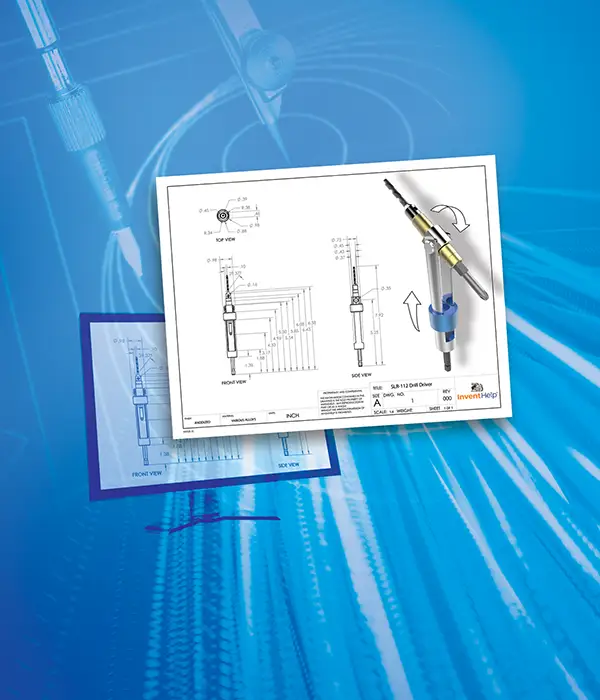
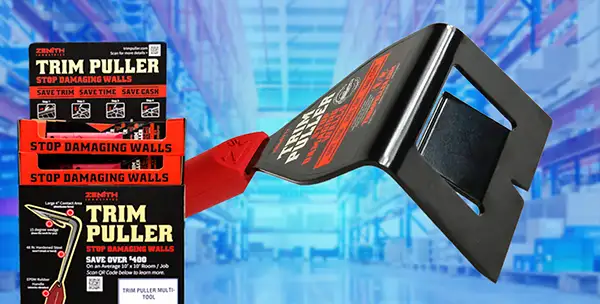
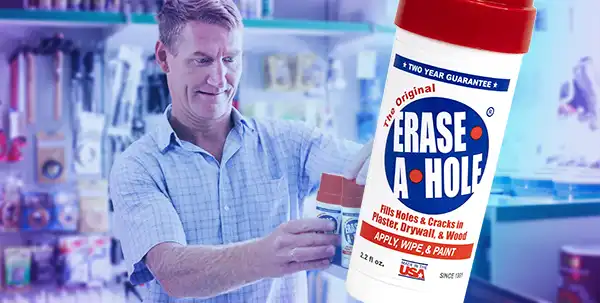
This product was licensed by InventHelp’s affiliate, Intromark, to a company called Partsmaster. Partsmaster is a company within InventHelp’s Data Bank while Walmart, Home Depot, and Lowe’s are not.
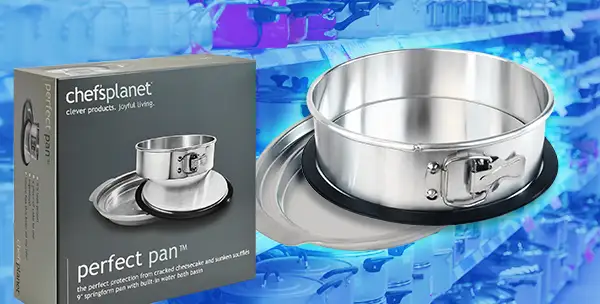
This product was licensed by InventHelp’s affiliate, Intromark, to a company called Chef’s Planet. Chef’s Planet is a company within InventHelp’s Data Bank while Walmart and Amazon are not.
This product was licensed by InventHelp’s affiliate, Intromark, to a company called Microfiber Products. Microfiber Products is a company within InventHelp’s Data Bank while Walmart, Lowe’s, and Amazon are not.
So, you have an invention idea and don’t know what to do next. We can help! InventHelp is an invention service company that submits your idea to companies and offers patent referral services.
Over 3 Decades of Experience
InventHelp is one of the leading service providers in the invention industry. Over the years, we have improved our services to better suit our clients’ needs. Our services are ready to help you, the inventor, pursue your invention idea.
The InventHelp Data Bank
InventHelp maintains a Data Bank of thousands of companies which have agreed to confidentially review our clients’ ideas. Companies joining our Data Bank are interested in looking for new inventions and represent many different types of industries. We call this the InventHelp Data Bank.
Is Your Idea Protected?
InventHelp offers patent referral services to its clients. These referrals have resulted in more than 10,000 patents for InventHelp inventors. We can refer you to an independent patent attorney who will advise you on the necessary steps to take toward potentially patenting your idea.
Real InventHelp inventors, real invention stories – how the Honest Invention Company helped them with their idea.
Russell
New York, NY
“Me and my family want to thank you from the bottom of our hearts. Thank you thank you thank you. You have no idea how much this means to us. I am a 64 yr old disabled veteran w/ 5 back surgeries and 3 knee surgeries. All I ever wanted was a chance to leave my family something of importance.”
“I am using InventHelp for the first time. The team at InventHelp has provided exceptional service for my invention. Everyone is engaged and responsive. I have chosen the full service to get from idea, to patents, to prototyping and marketing. I am very pleased with entire process and strongly recommend InventHelp to anyone who has a good idea…”
In these sections, we have collected news articles for and about inventors, as well as invention trivia, patent information and links to other invention help websites.
Inventor Resources
Inventor Resources
In these sections, we have collected news articles for and about inventors, as well as invention trivia, patent information and links to other invention help websites.
InventHelp does not provide legal or patent advice of any kind. Patent information should come directly from a patent attorney. We offer links and information directly from the United States Patent and Trademark Office. These resources include information on patent applications, amendments and appeals, as well as directions for using an inventor’s log, facts on U.S. patent history, and more.
Here you will find links to other websites offering information and services that may be of use to inventors. The links are grouped for convenient navigation into various categories. Read More
Do you have an invention idea you’ve been thinking about for a while? Getting started with new invention ideas can be difficult. Where do you begin? Here you will find pointers and helpful tips on how to get started. Read More
We are InventHelp, a leading inventor service company. We provide a variety of services to help inventors and we have been in business for over 35 years.